Notes in **plain Markdown**, with the markup *out of sight*.
Jetfold is a native Mac app for a folder of plain .md files. It renders as you write, saves every file exactly as you typed it, and keeps everything on your Mac: no account, no tracking.
Free to try for 14 days, then $9.99 once. No subscription.
Everything is a keystroke away
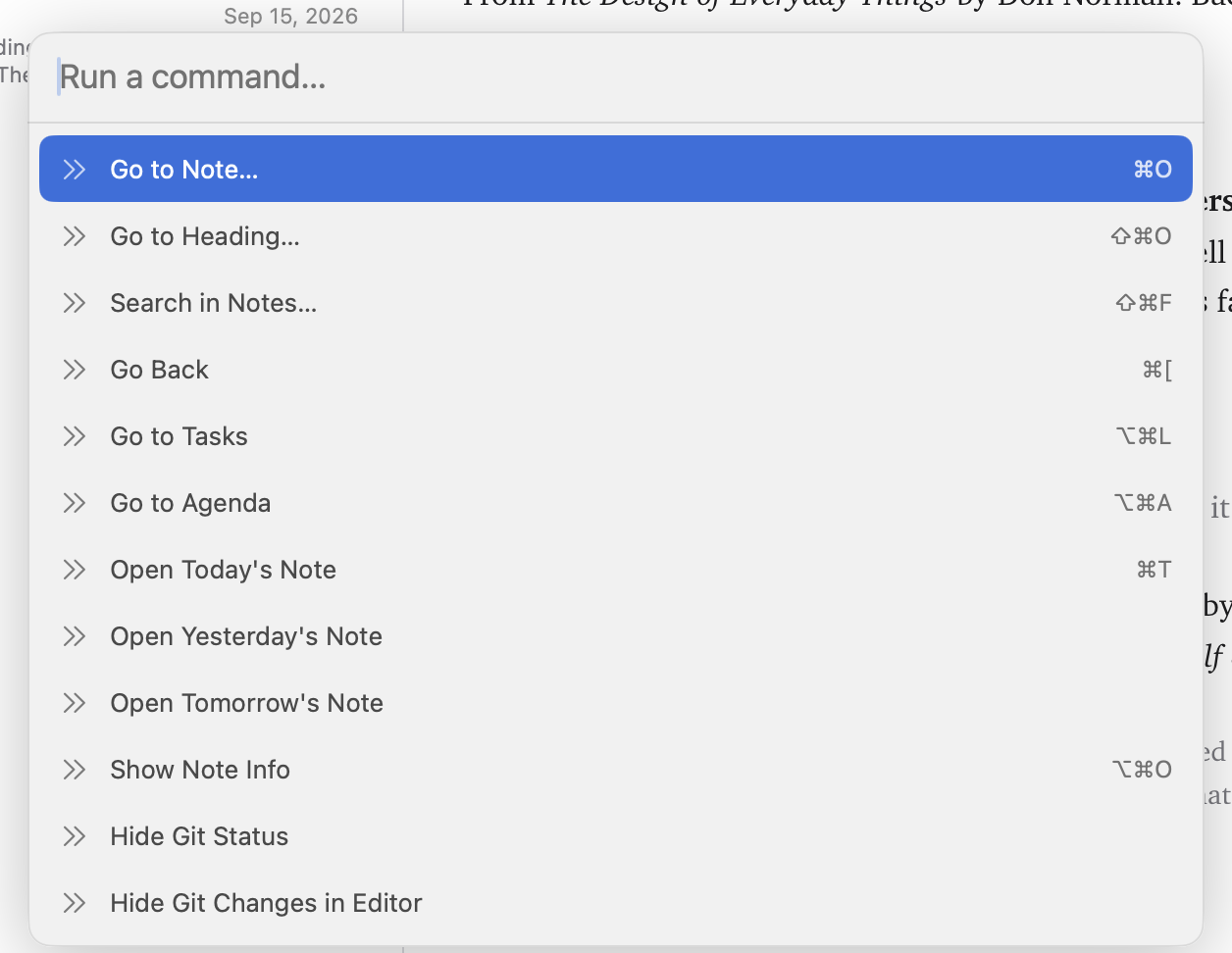
Jump to any note, search every word you've written, or run any command without touching the mouse.
- ⌘PRun a command
- ⌘OGo to any note or folder
- ⇧⌘FSearch inside every note
- ⇧⌘OJump to a heading
- ⌘TOpen today's note
- ⌘[Go back to the last note
Links that never break
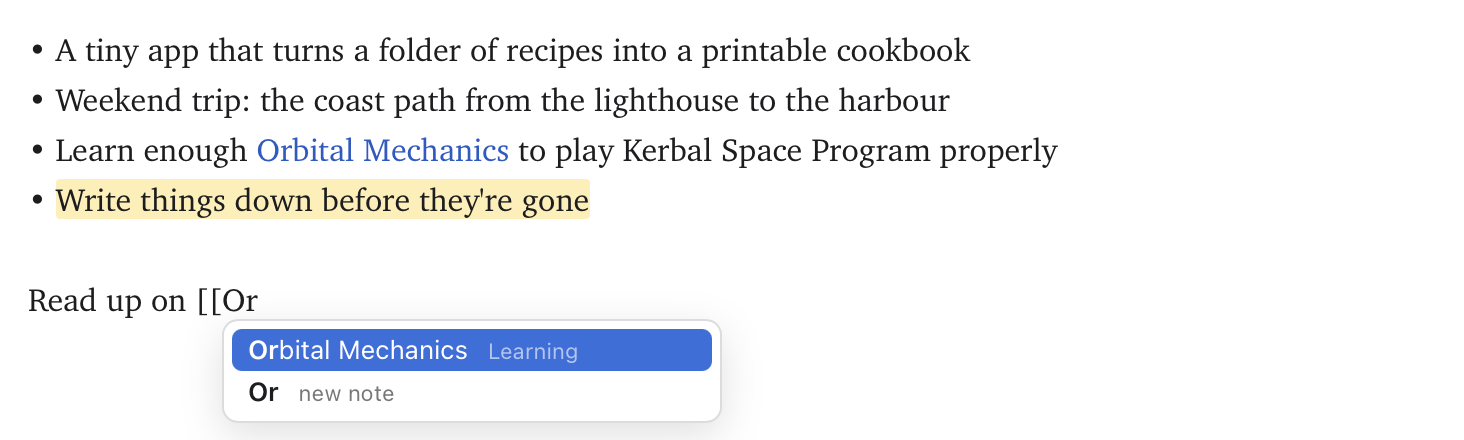
Type [[ and pick a note or one of its headings. Rename or move a note and every link to it is rewritten for you.
Note Info shows every note that links back to the one you're reading, and pointing at a link previews the note.
Tasks and dates that turn into an agenda
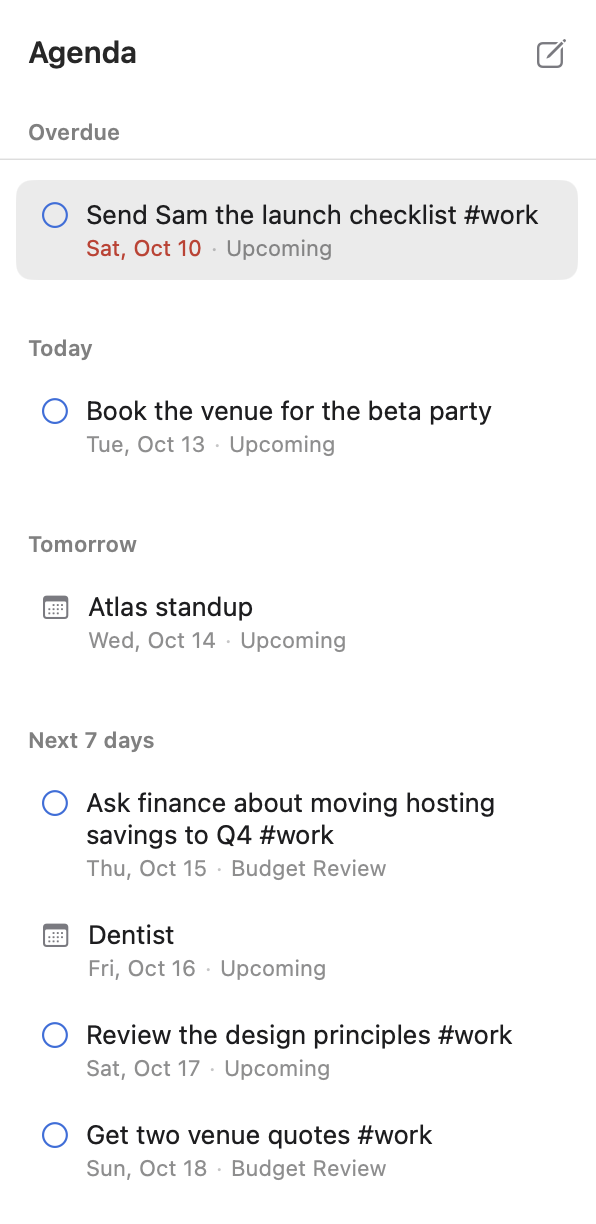
Type @friday anywhere in a note and it becomes @2026-10-16. Jetfold gathers every date into one list: overdue, today, tomorrow, the next seven days and later.
Put a date on a task and it stays overdue until you tick it off. Save your own views of tasks and notes in the sidebar.
Git, without the terminal
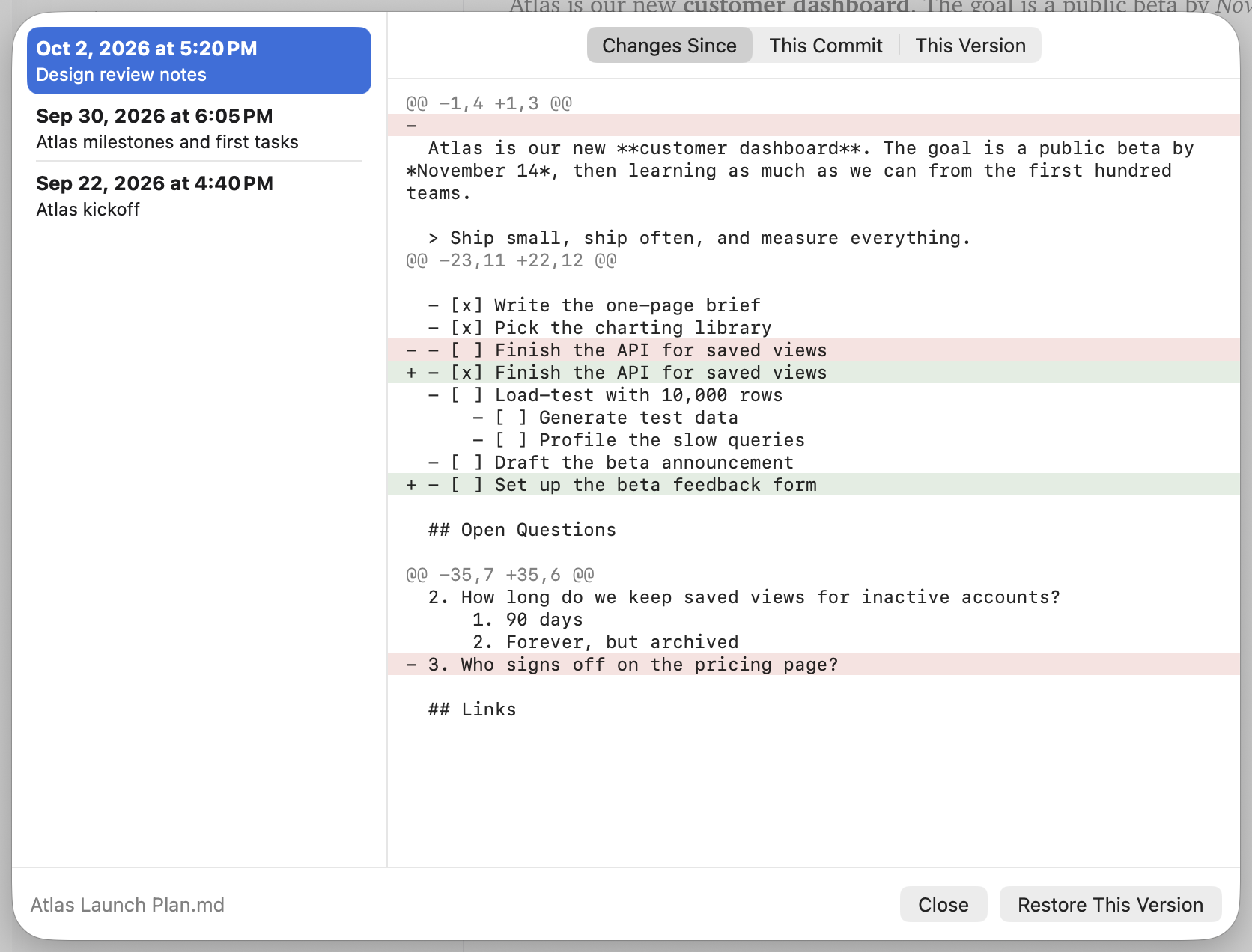
Changed lines are marked as you type and badges show what's uncommitted. Every note has a full history, even across renames, and any version is one click from coming back.
Commit from the palette when you're ready.
As much or as little as you like
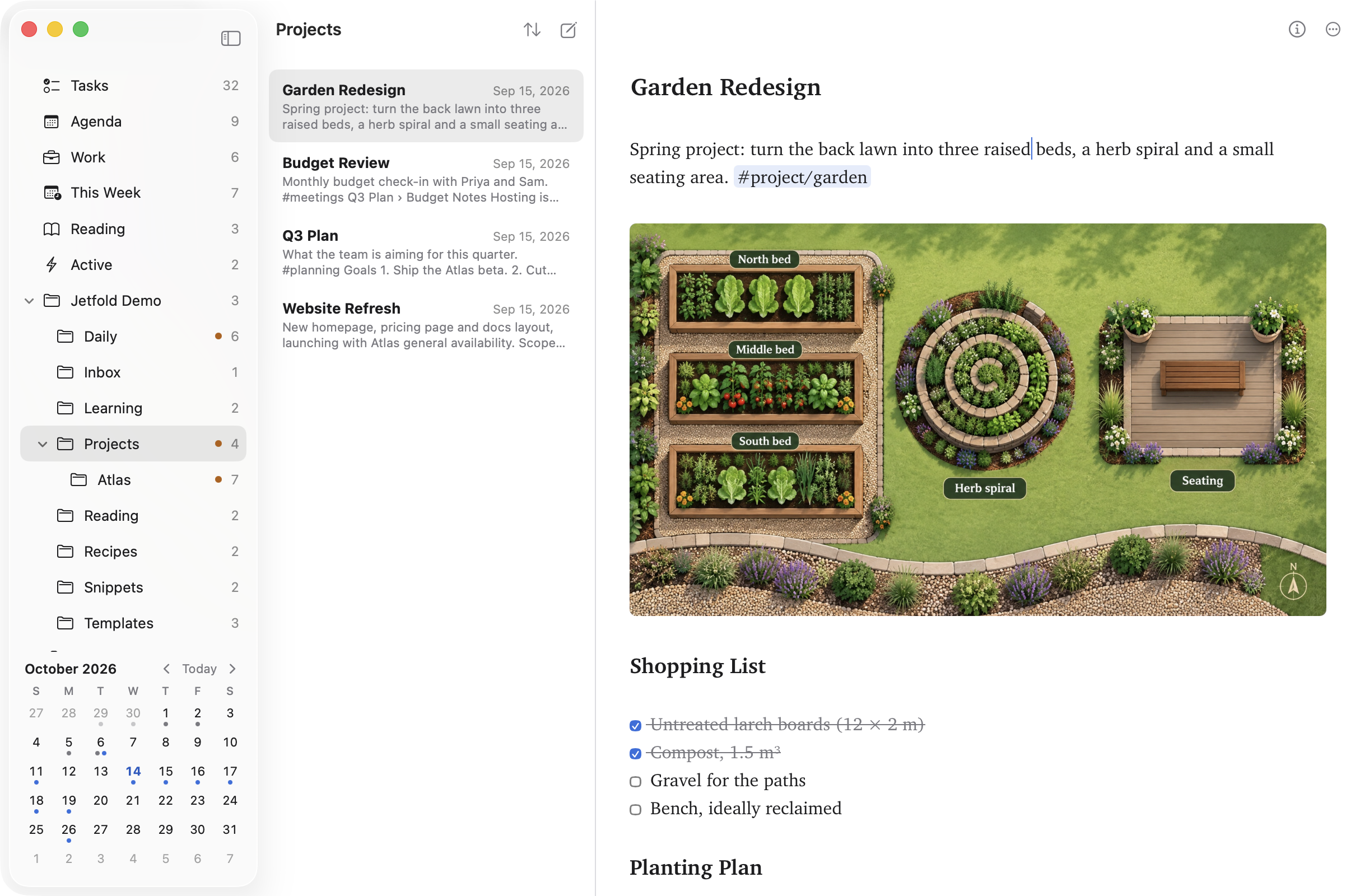
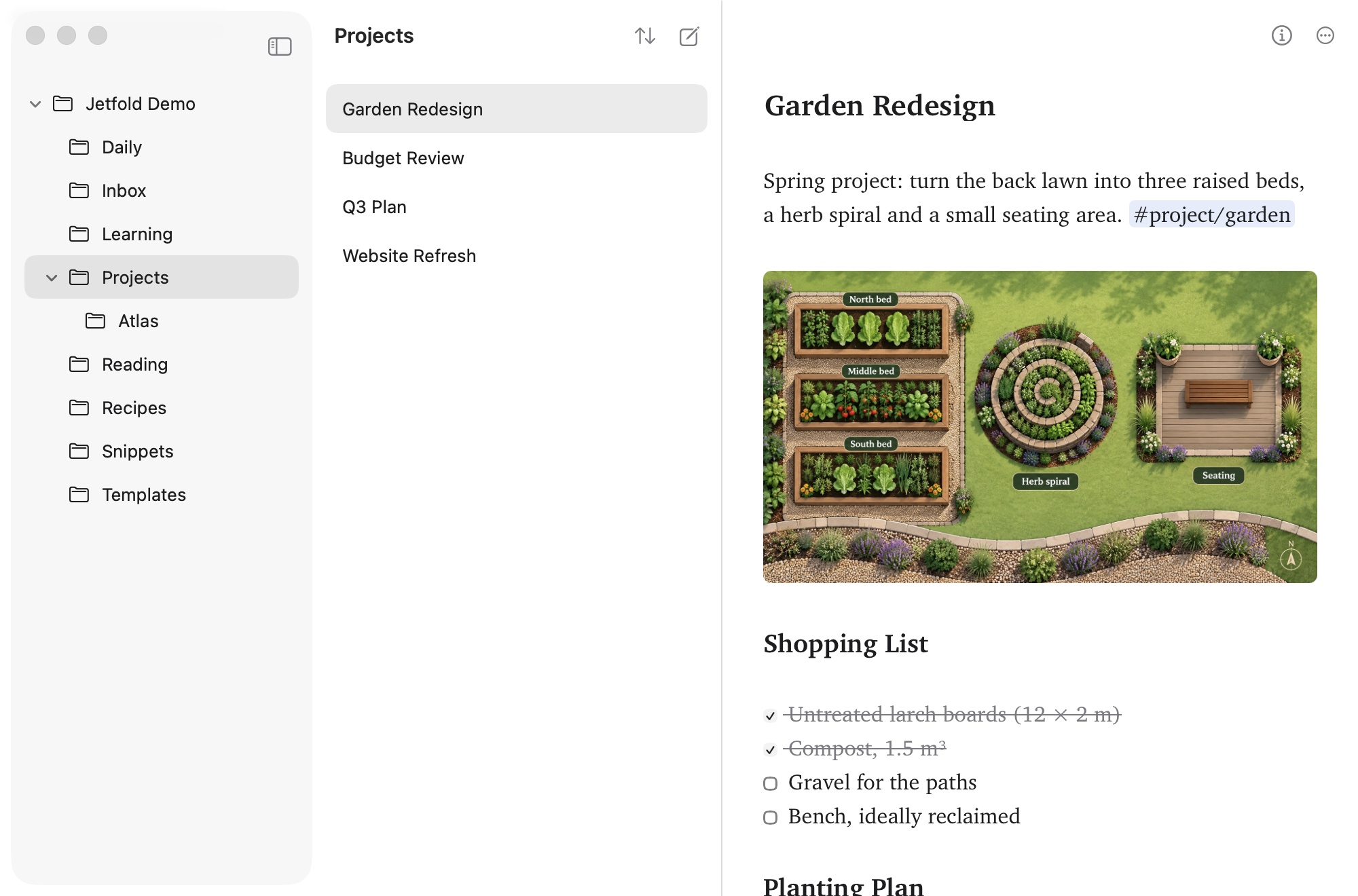
Tasks, agenda, tags, the calendar and your own views are all switches. Turn them off and Jetfold is a folder of notes and an editor.
Every switch turns its part back on, right where it was.
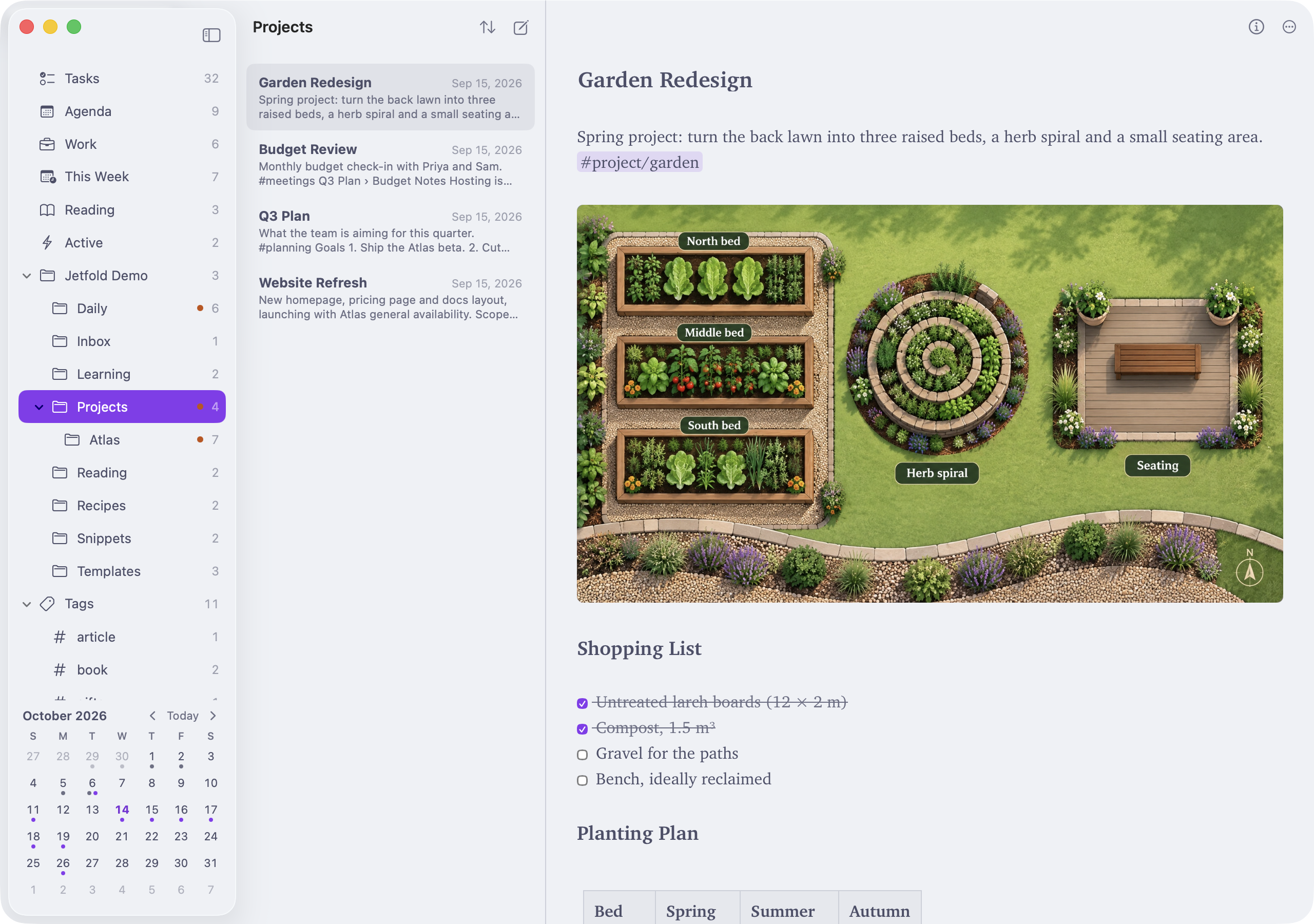
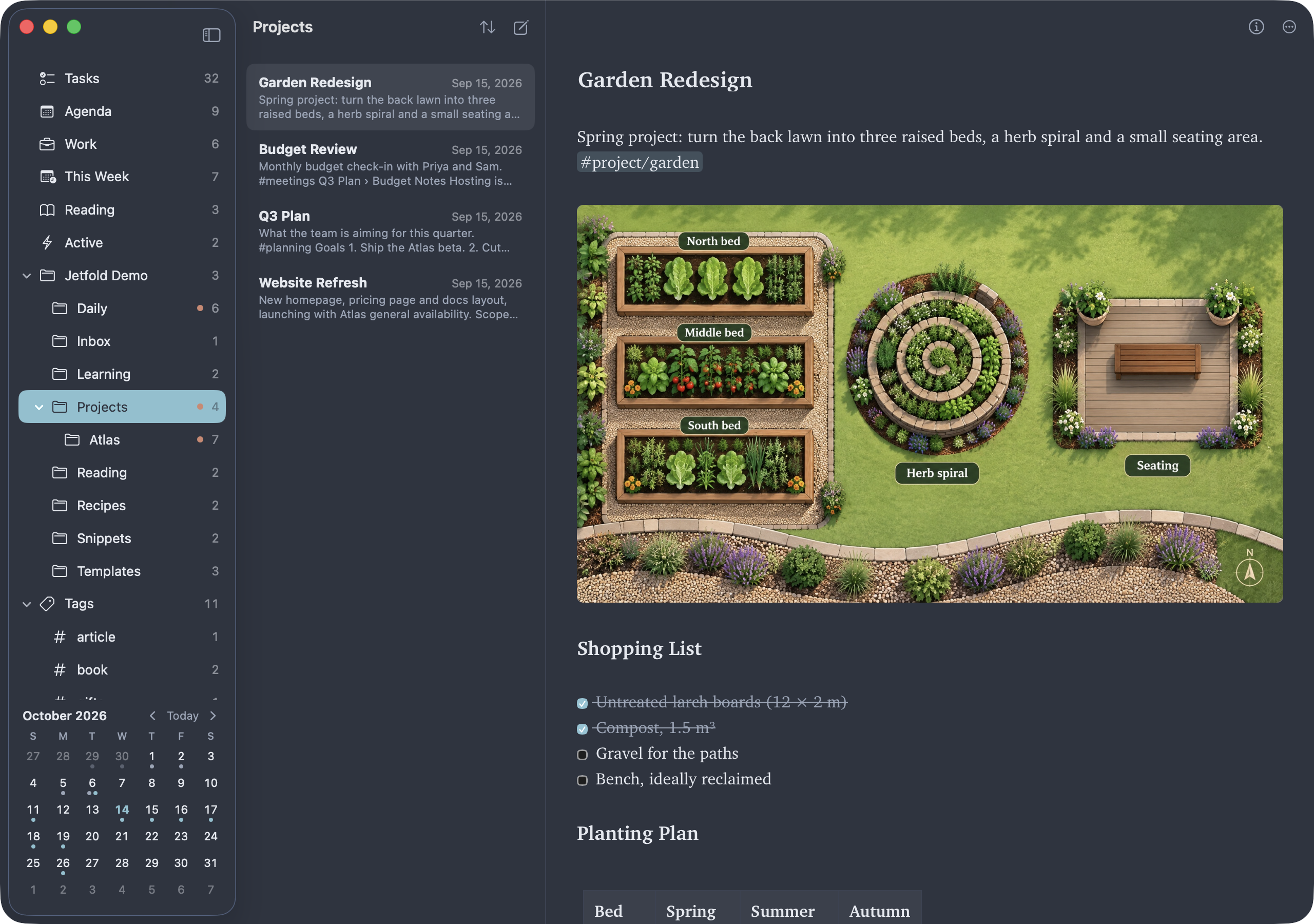
Five themes, each light and dark
A theme colors the whole window: sidebar, note list, selection and editor alike.
- Jetfold
- Solarized
- Nord
- Catppuccin
- High Contrast
Your notes are just files.
Open them in any editor, sync them with any service, keep them in git. Jetfold never adds metadata or rewrites your formatting, so you can leave whenever you like and take everything with you.
Notes/
├── Inbox.md
├── Journal/
│   └── 2026-10-14.md
├── Projects/
│   ├── Atlas Launch Plan.md
│   └── Garden Redesign.md
├── .assets/garden-layout.png
└── .jetfold/settings.json

Write it down. Keep it forever.
A native app for macOS 14 and later. No account, and nothing leaves your Mac unless you ask. Everything it does is in the feature tour and the guide.
Free to try for 14 days, then $9.99 once. No subscription.