 Jetfold
Everything in the box
A tour of what Jetfold does, from the editor to git.
Every part beyond your folders and notes can be switched off.
Writing
The editor renders Markdown as you type and shows the markup again when your cursor is inside it.
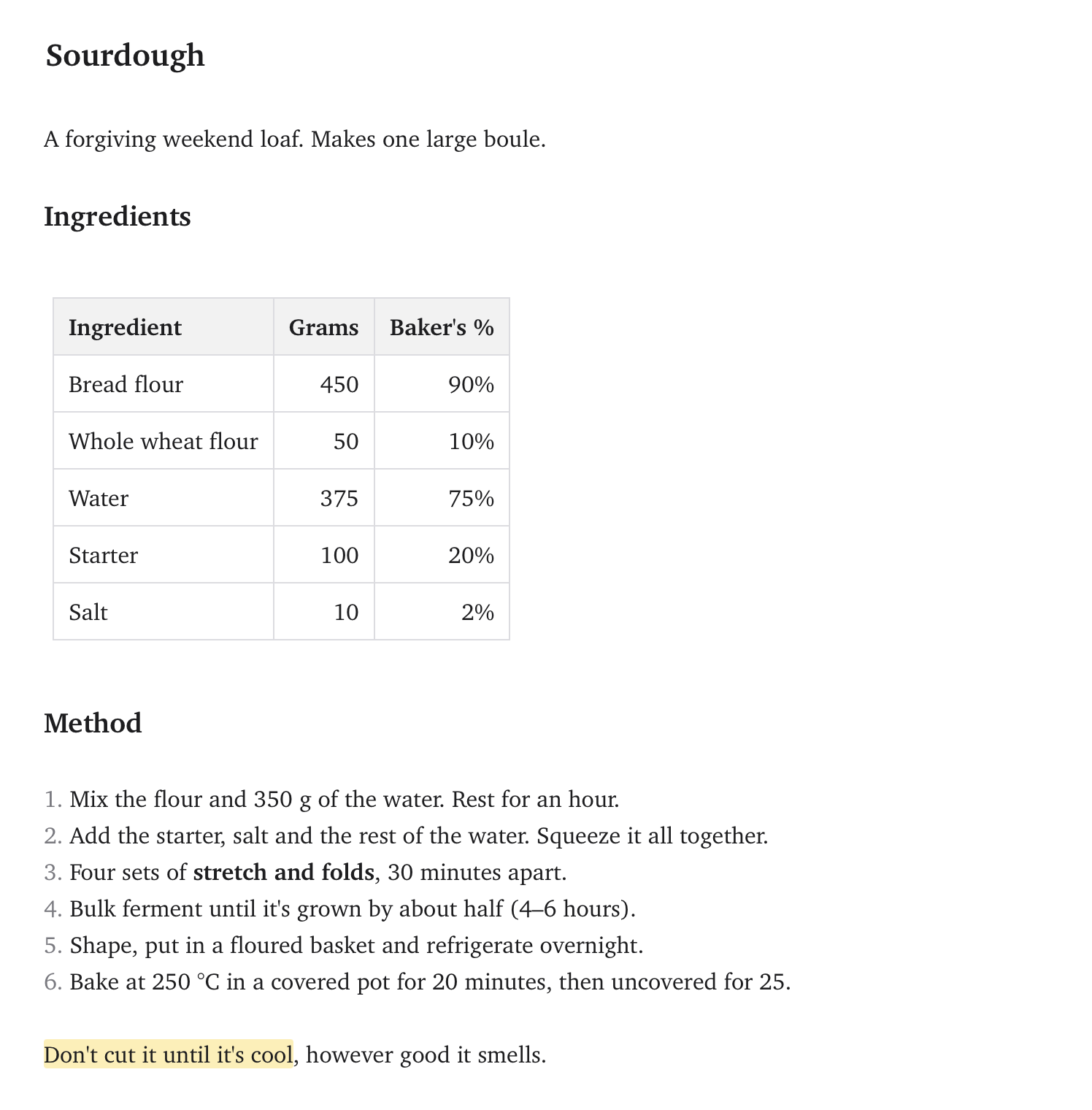
- Formatting shortcuts that toggle, each a single undo step
- Tables you edit in place, with Tab between cells
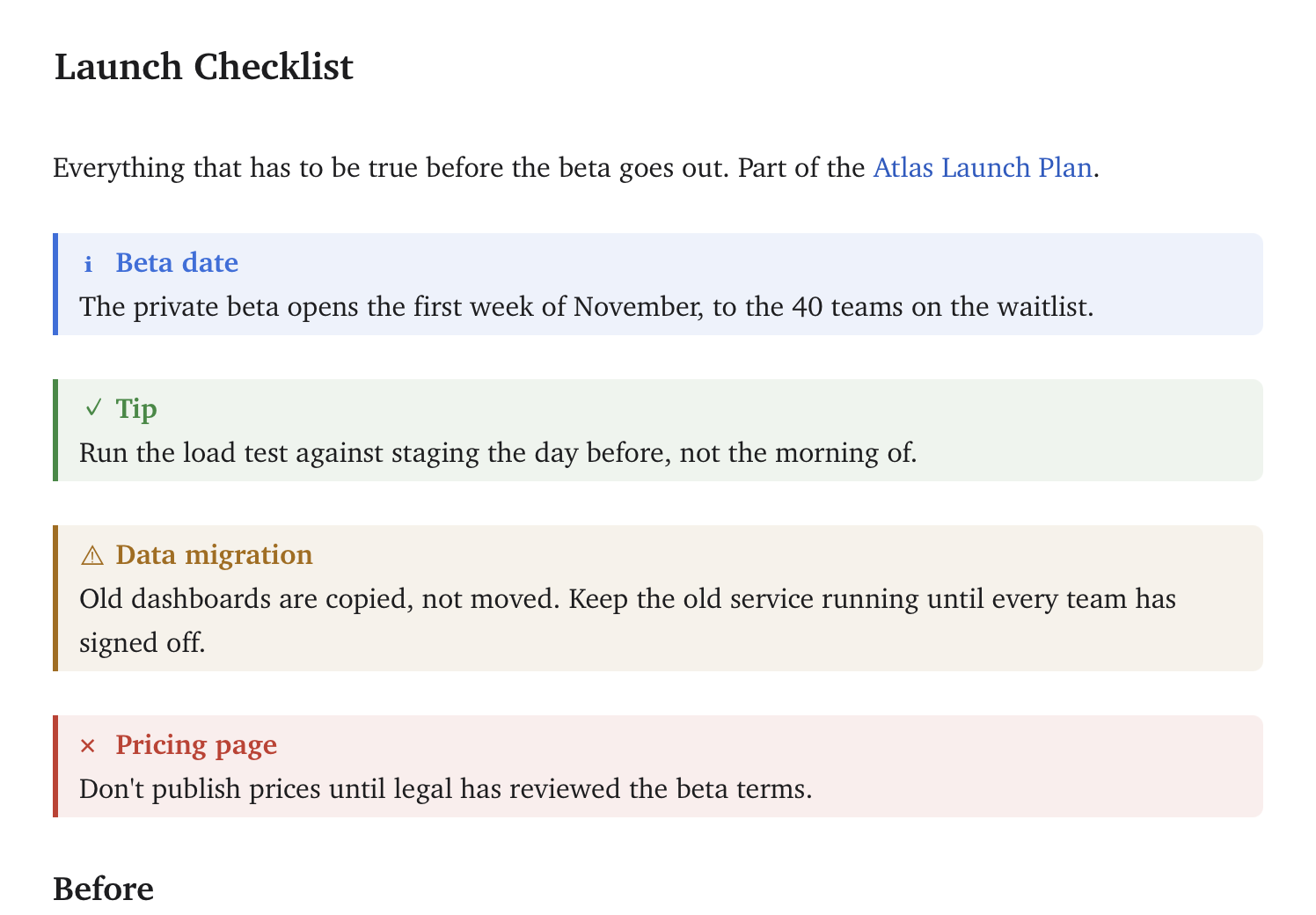
- Callouts, footnotes, math and highlighted code
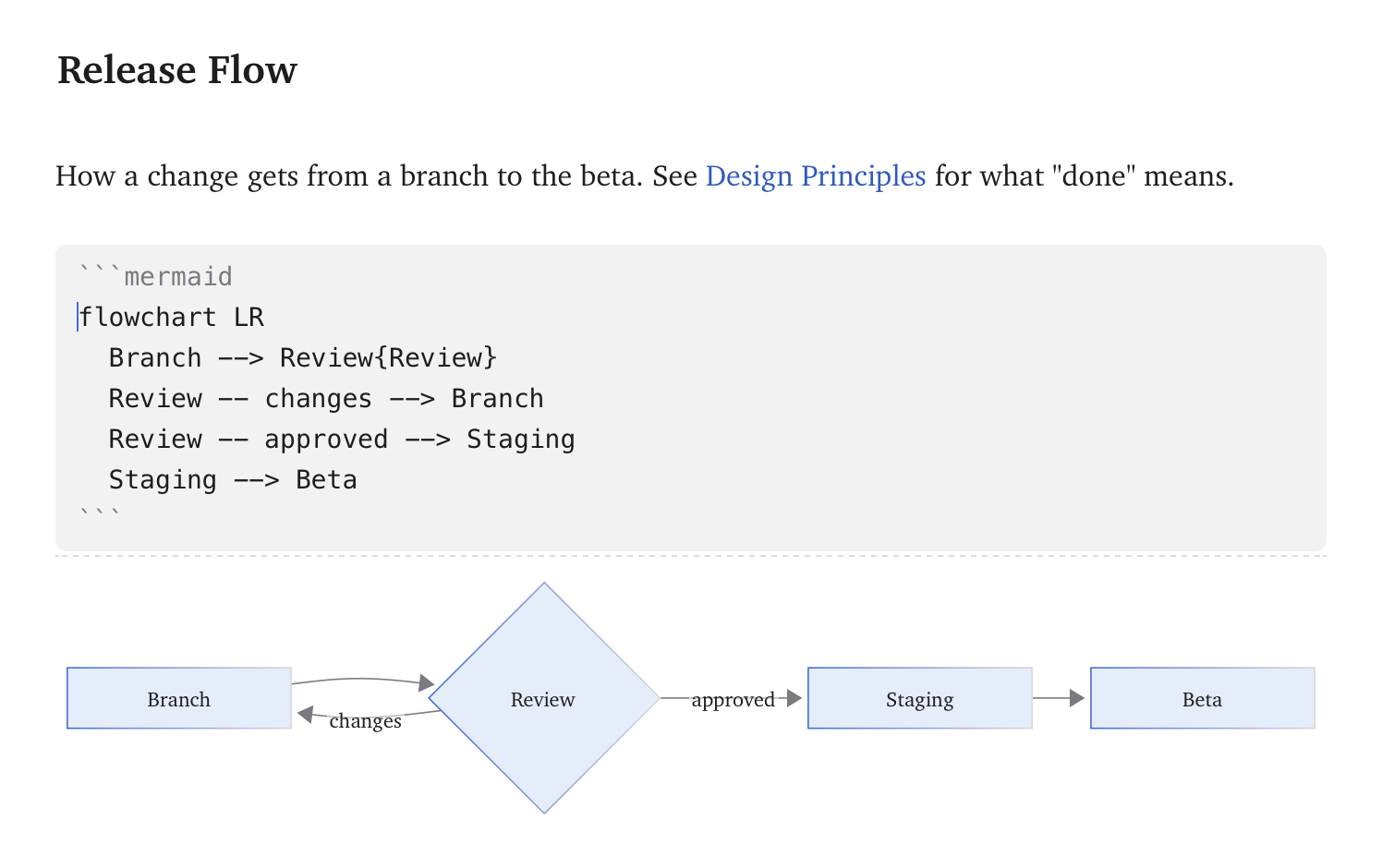
- Mermaid diagrams, drawn in your theme's colors
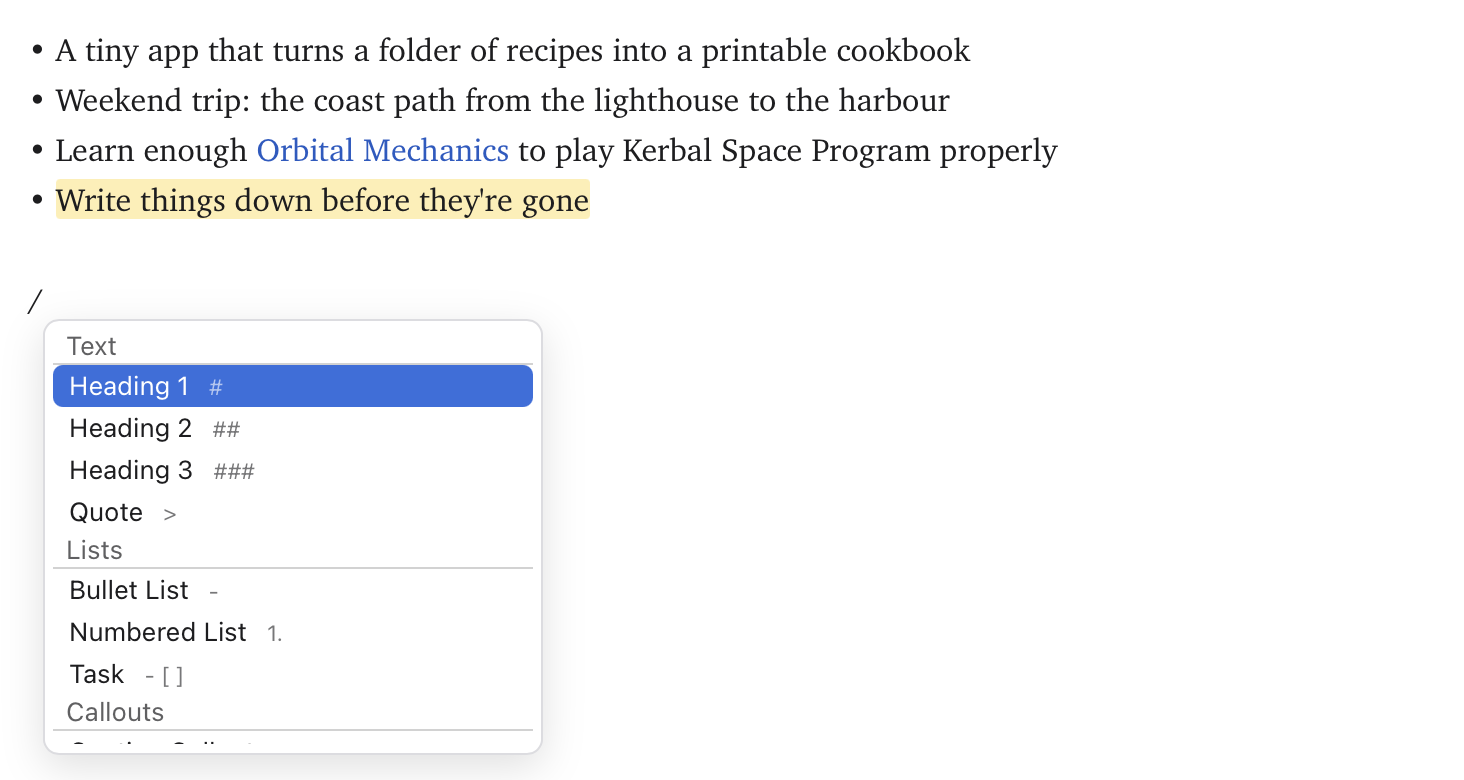
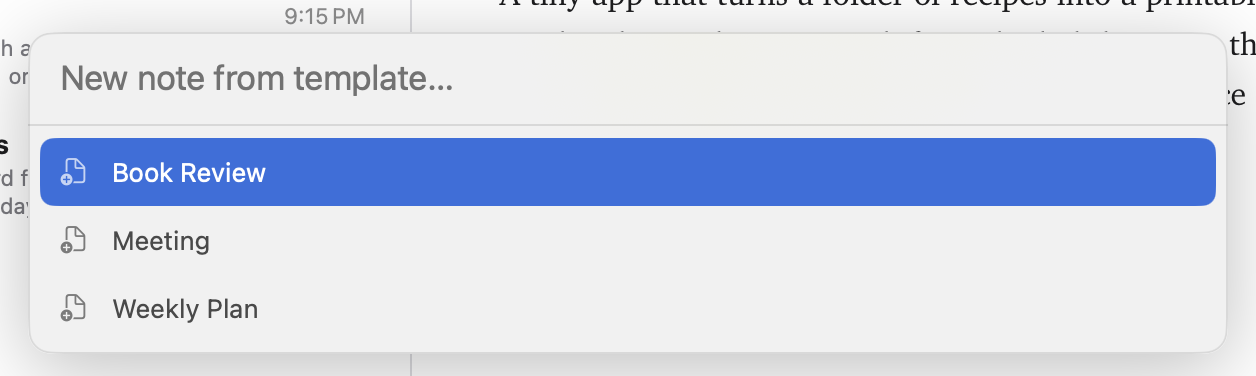
- A slash menu for blocks, and templates to start from
- Multiple cursors, Expand Selection and regex find
- A calculator: type
12*4=and press Return - Focus mode for the paragraph you're writing
Linking
Notes link to each other, and the links follow them when they move.
- Type
[[to link a note or one of its headings - Renames and moves rewrite every link
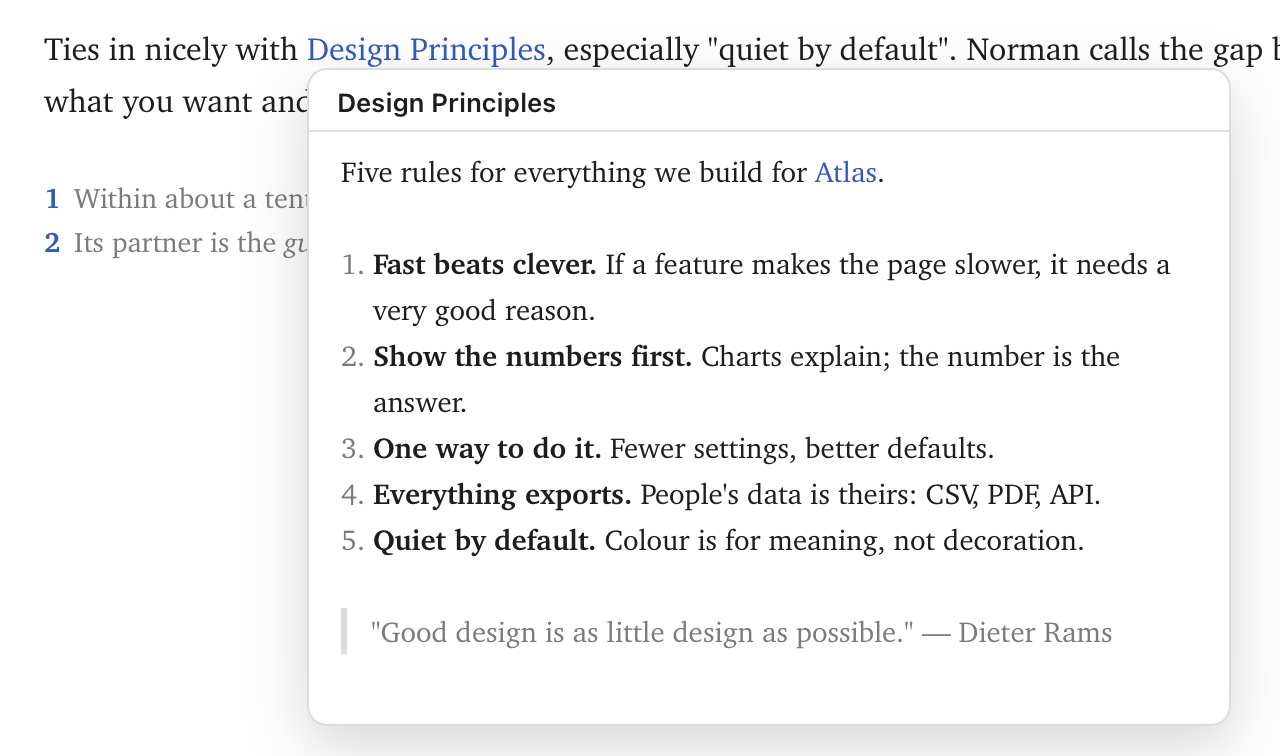
- Preview a linked note by pointing at it
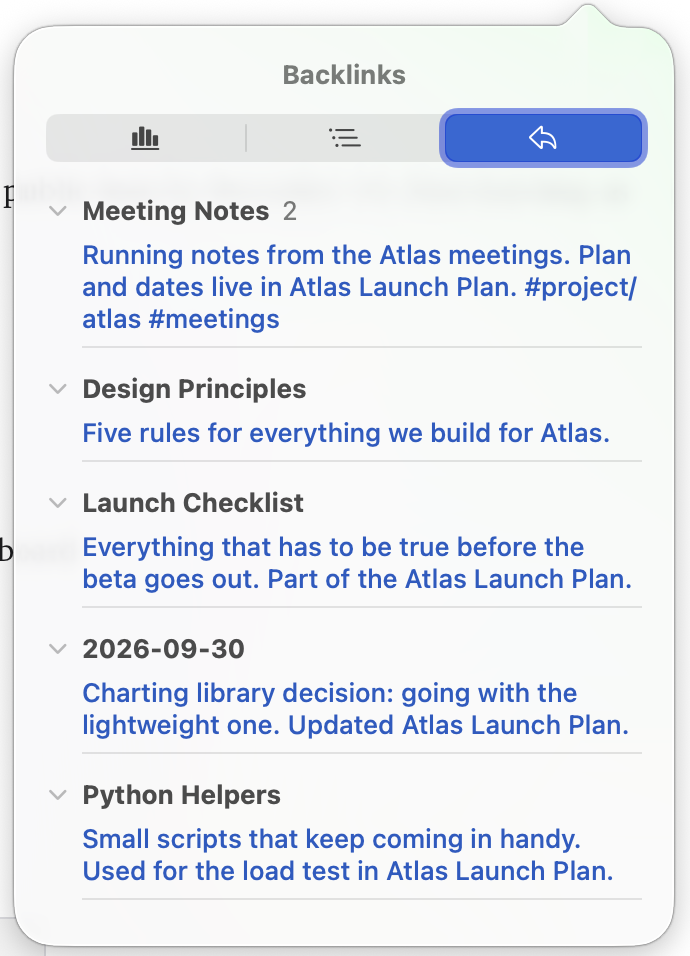
- Backlinks with the text around each one
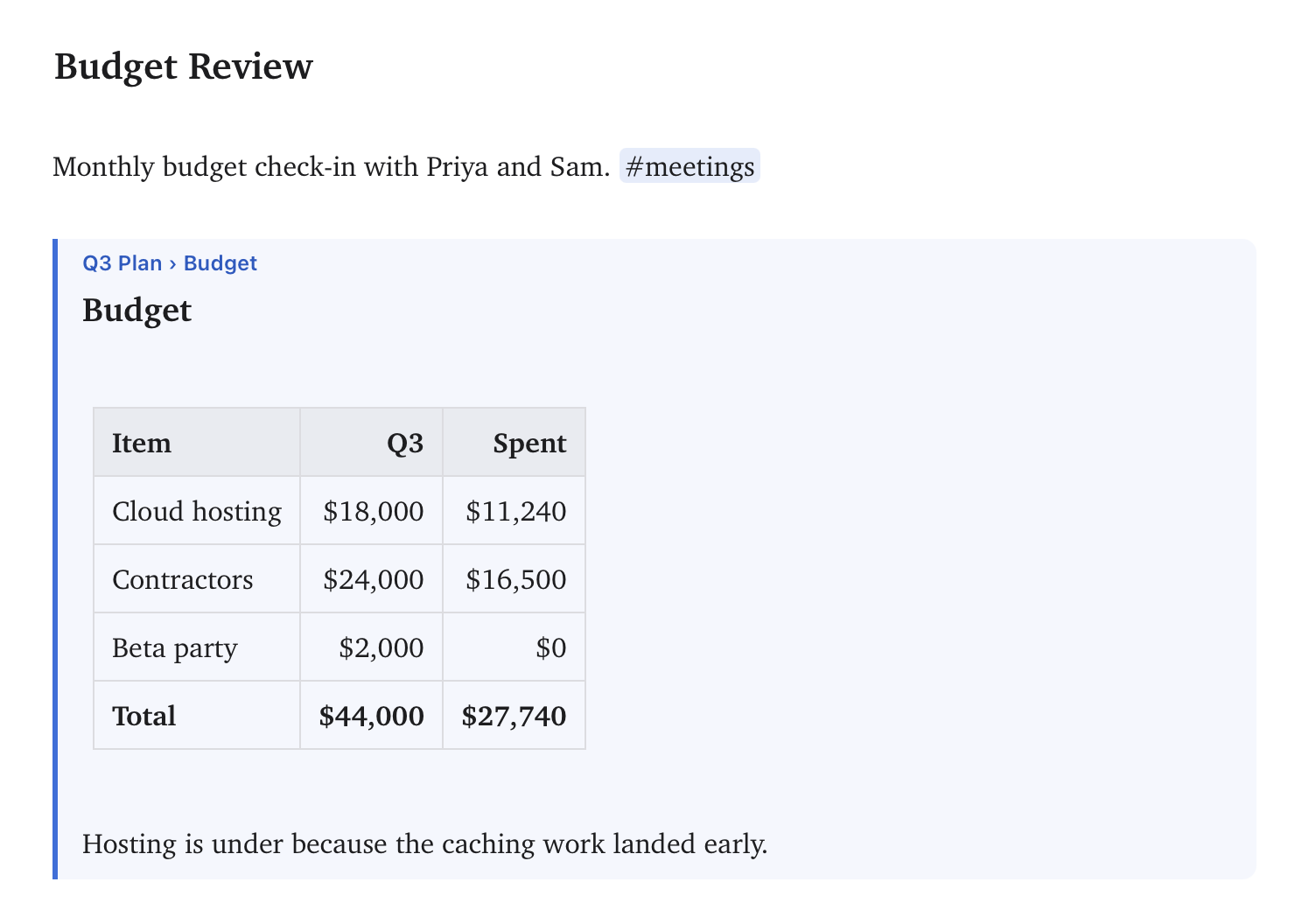
- Embed another note's section with
![[Note#Section]] - Extract a selection into a note of its own
- Paste a URL and get the page's title as the link text
Finding
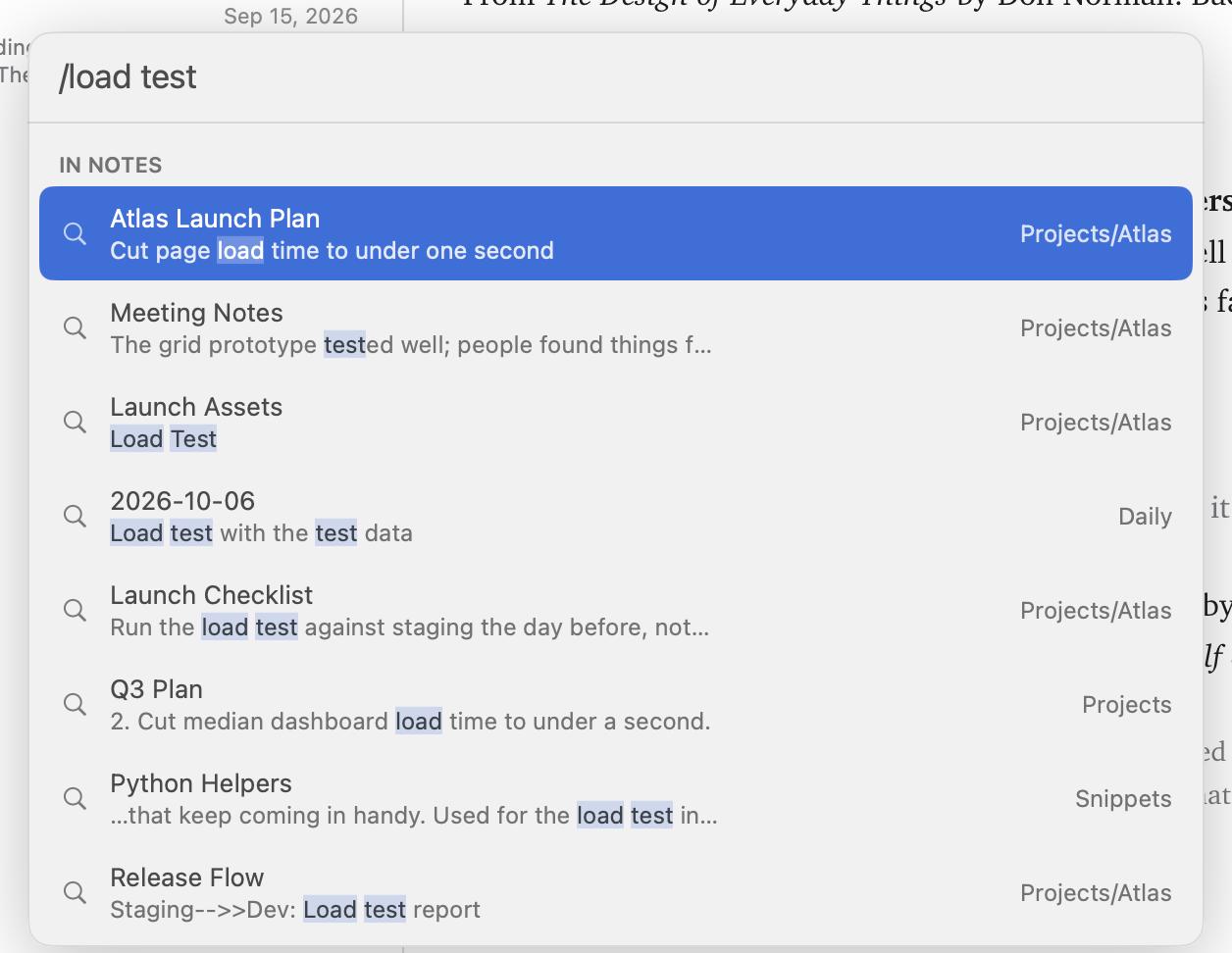
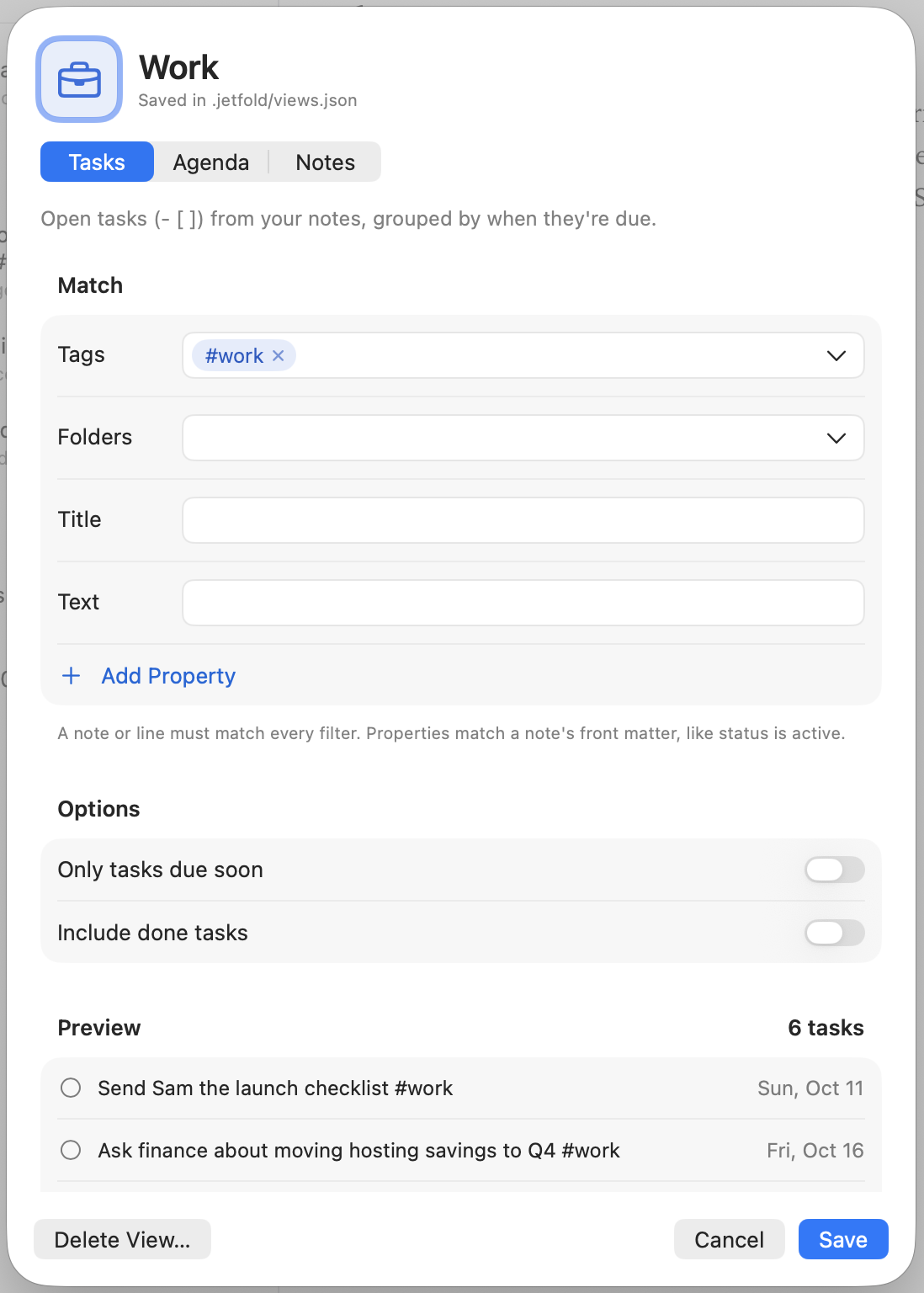
Palettes for notes, words, headings and commands, and views that gather what's spread across your notes.
- Full-text search in milliseconds, with highlighted snippets
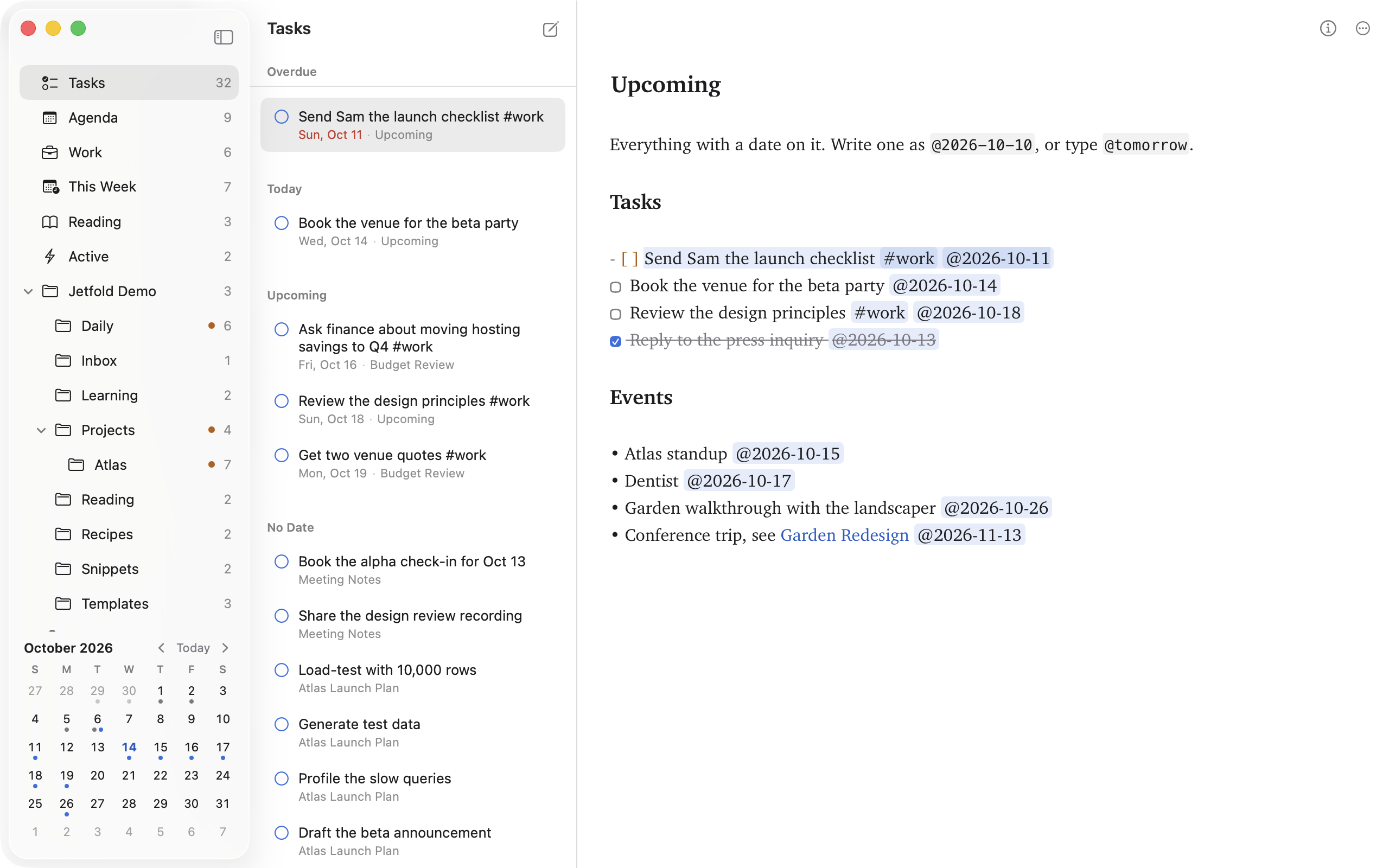
#tags, nested like#project/atlas, in the sidebar@datesthat feed an agenda;@fridaybecomes a date- Tasks and Agenda views, and saved views of your own
- Back and forward through the notes you've visited
- Note Info: counts, reading time, contents and backlinks
Organizing
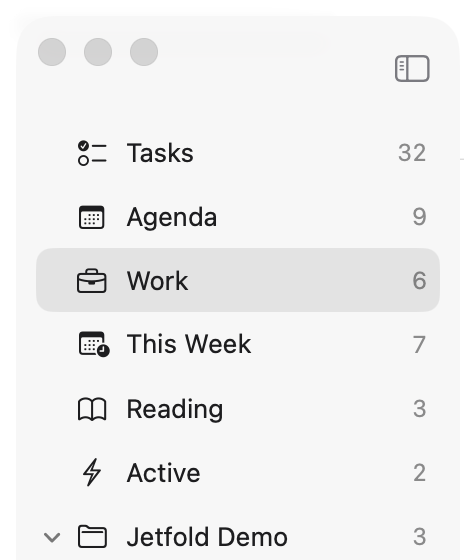
Folders are folders. Arrange them however you like, and Jetfold keeps up.
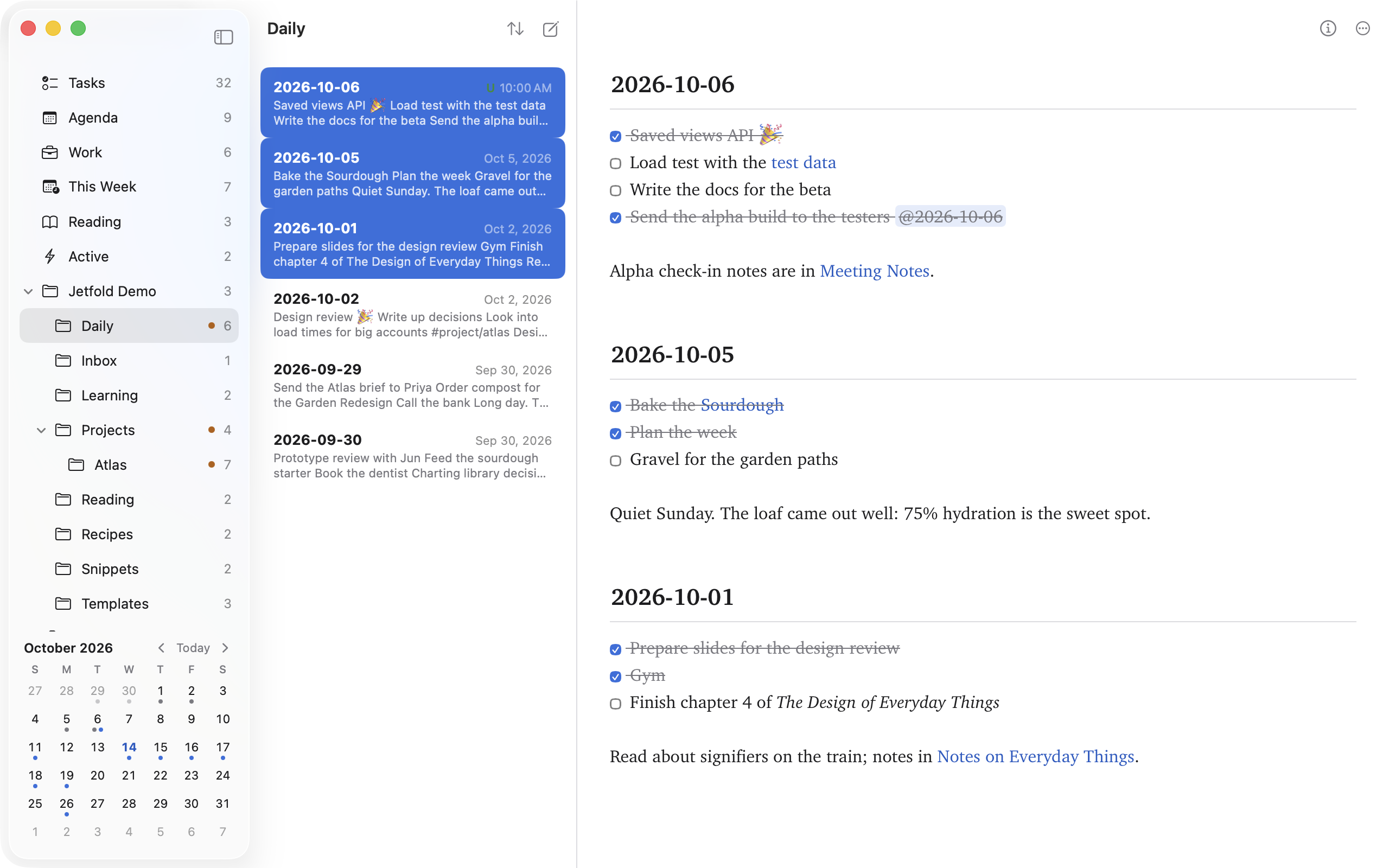
- Three panes, or two, or just the editor
- Drag and drop notes and folders; drop notes on a tag to tag them
- Pin notes to the top, or make them read-only
- Edit several notes stacked in one pane
- Pop any note into its own window
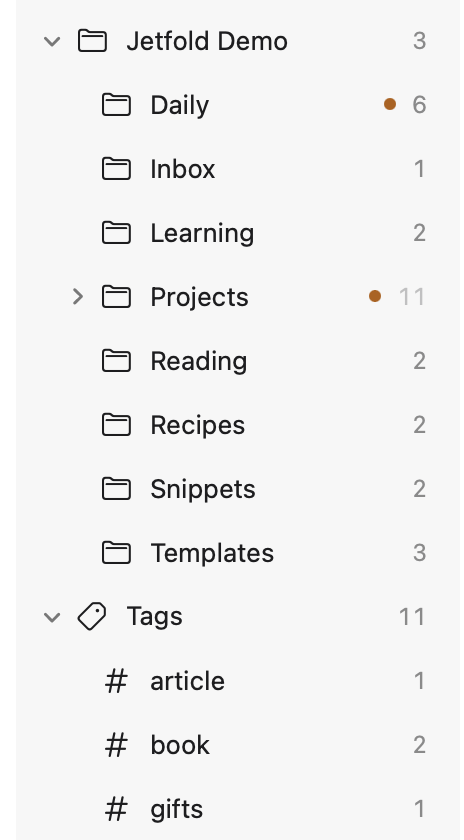
- Arrange the sidebar by dragging, and hide what you don't use
- Workspaces for separate notes folders
Daily notes and capture
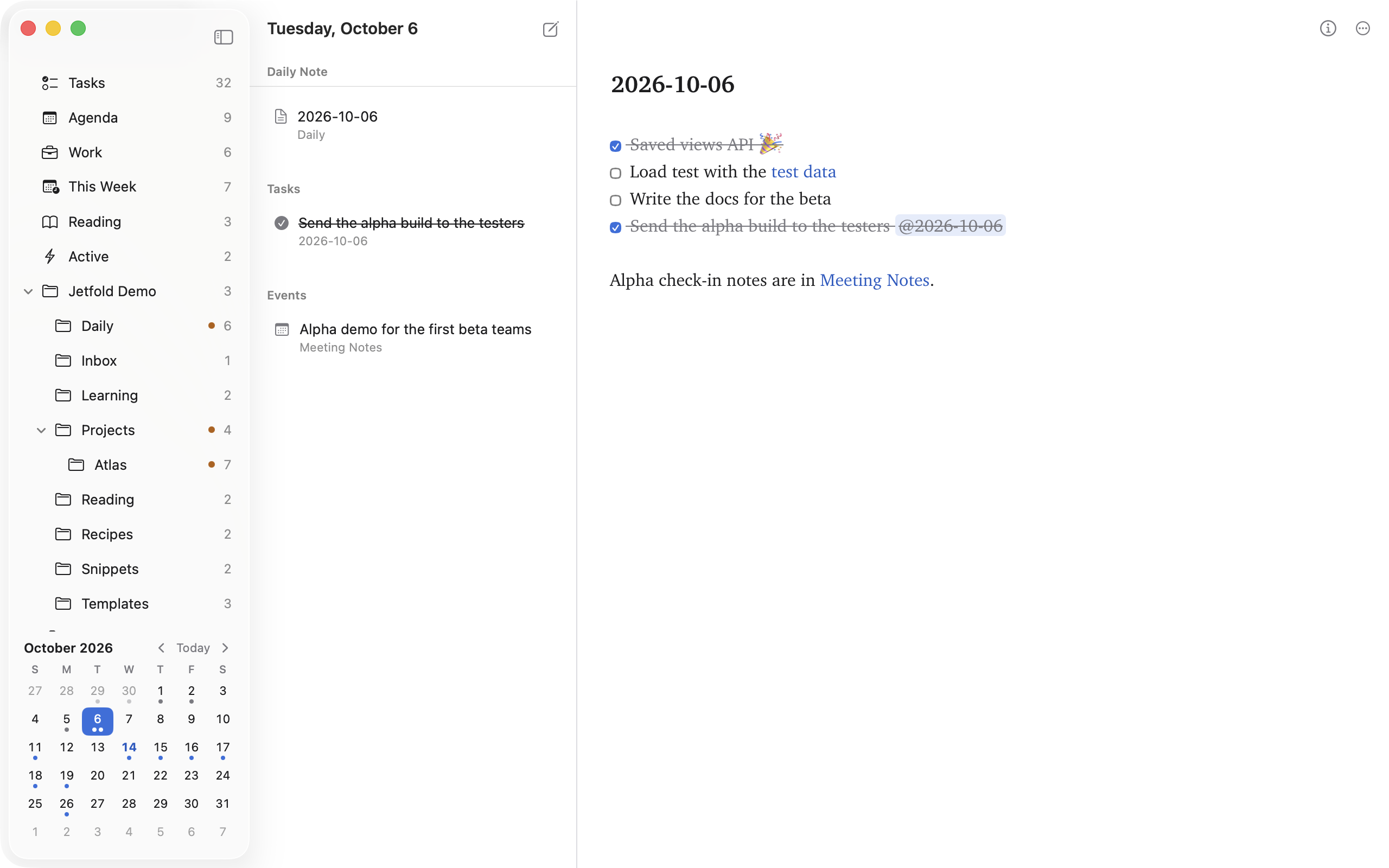
Get a thought down from anywhere, and find it again by its day.
- Today's note on ⌘T, at a path you choose, from a template
- A calendar of your days in the sidebar
- Send selected text from any app to your Inbox
jetfold://links for Shortcuts and scripts- Copy Link for any note
Git
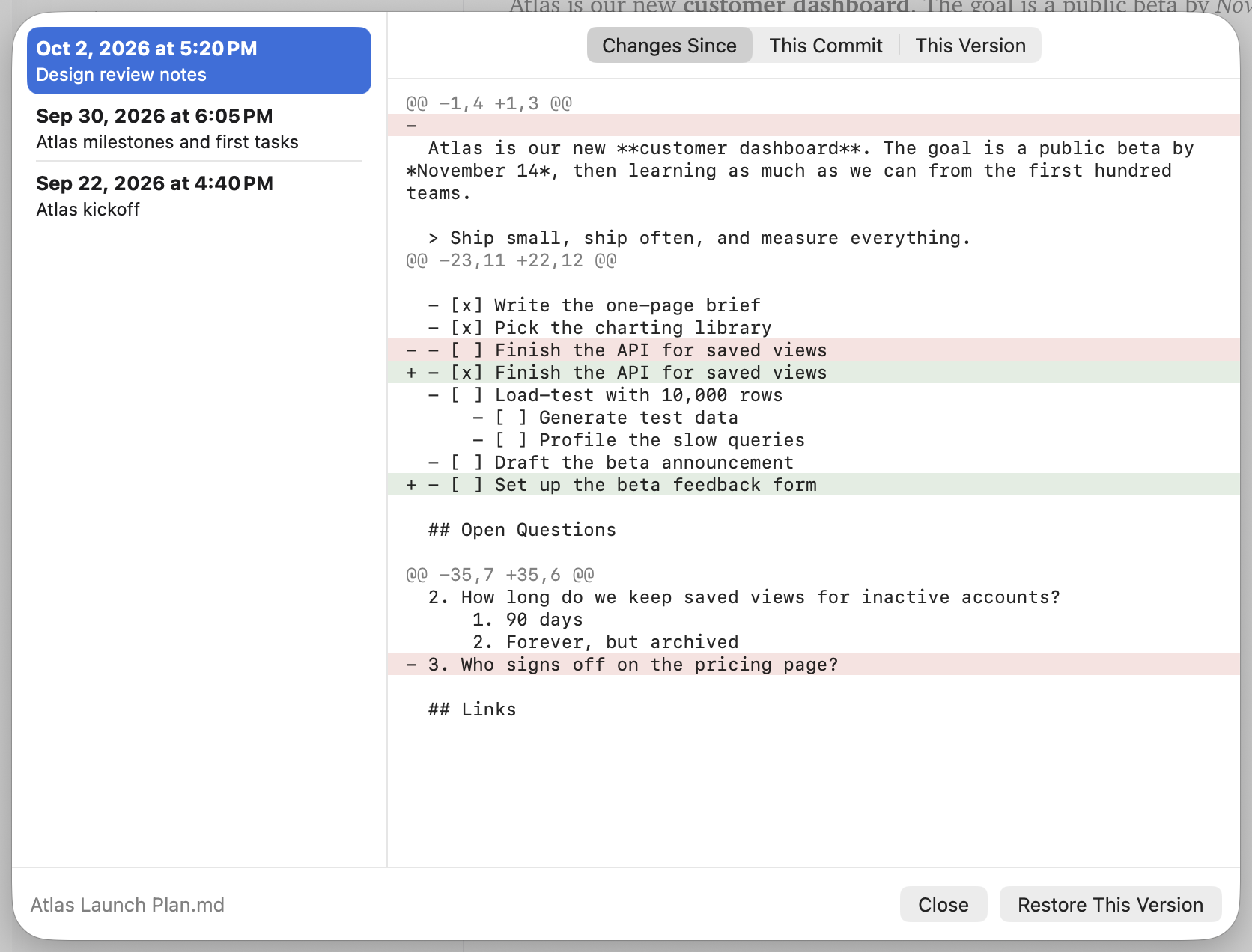
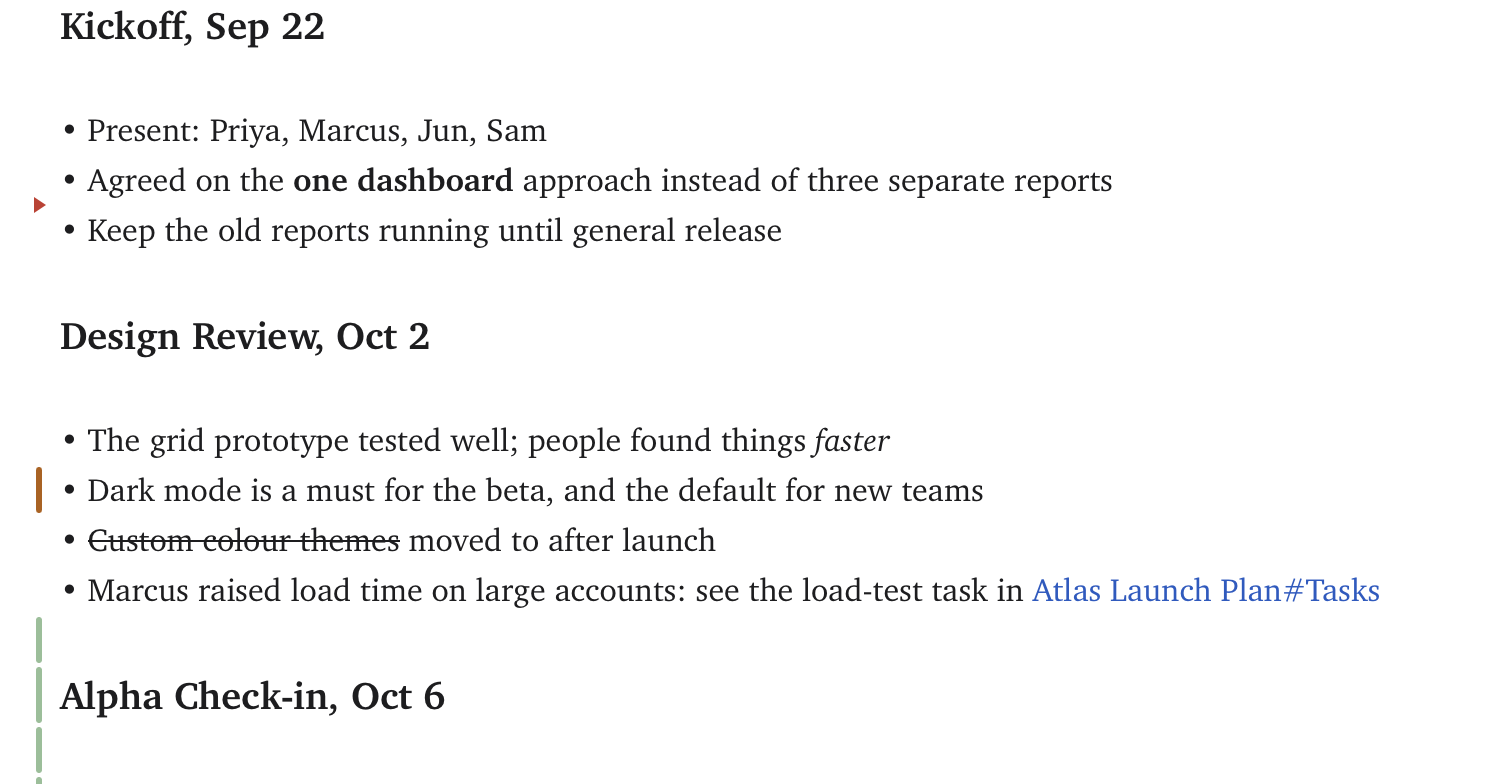
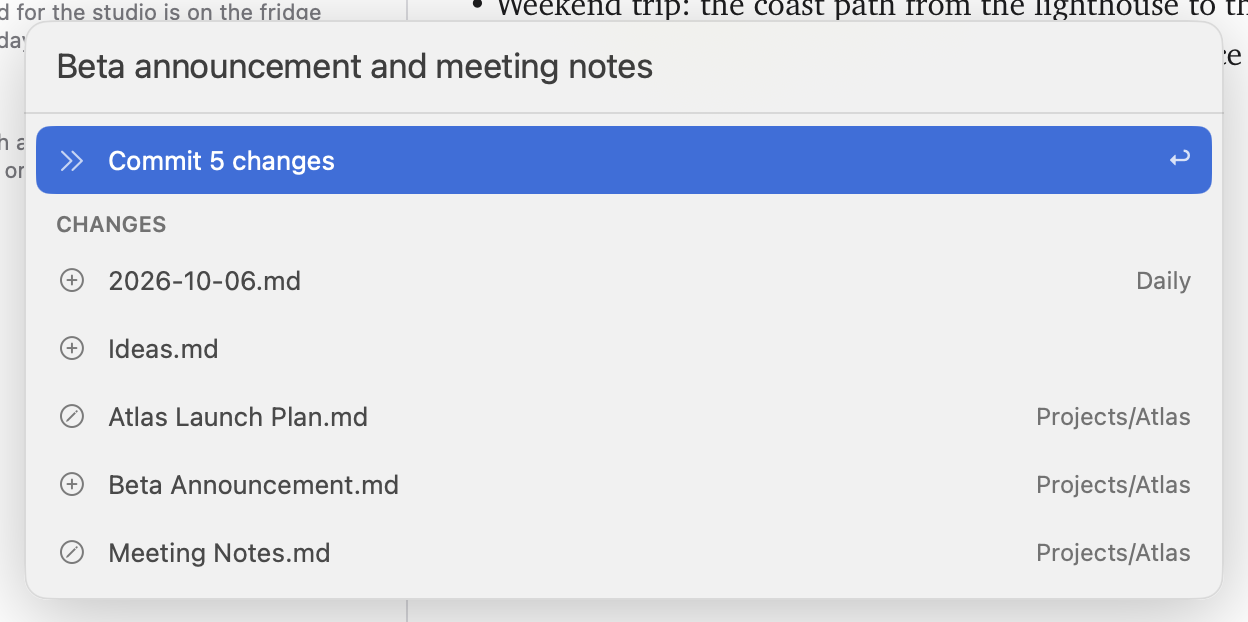
If your notes folder is a git repository, Jetfold shows what changed and keeps every version a click away. Everything stays on your Mac.
- Status letters on notes, dots on folders
- Changed lines marked in the margin as you type
- A note's full history, even across renames
- Restore any version
- Commit from the palette
Sharing
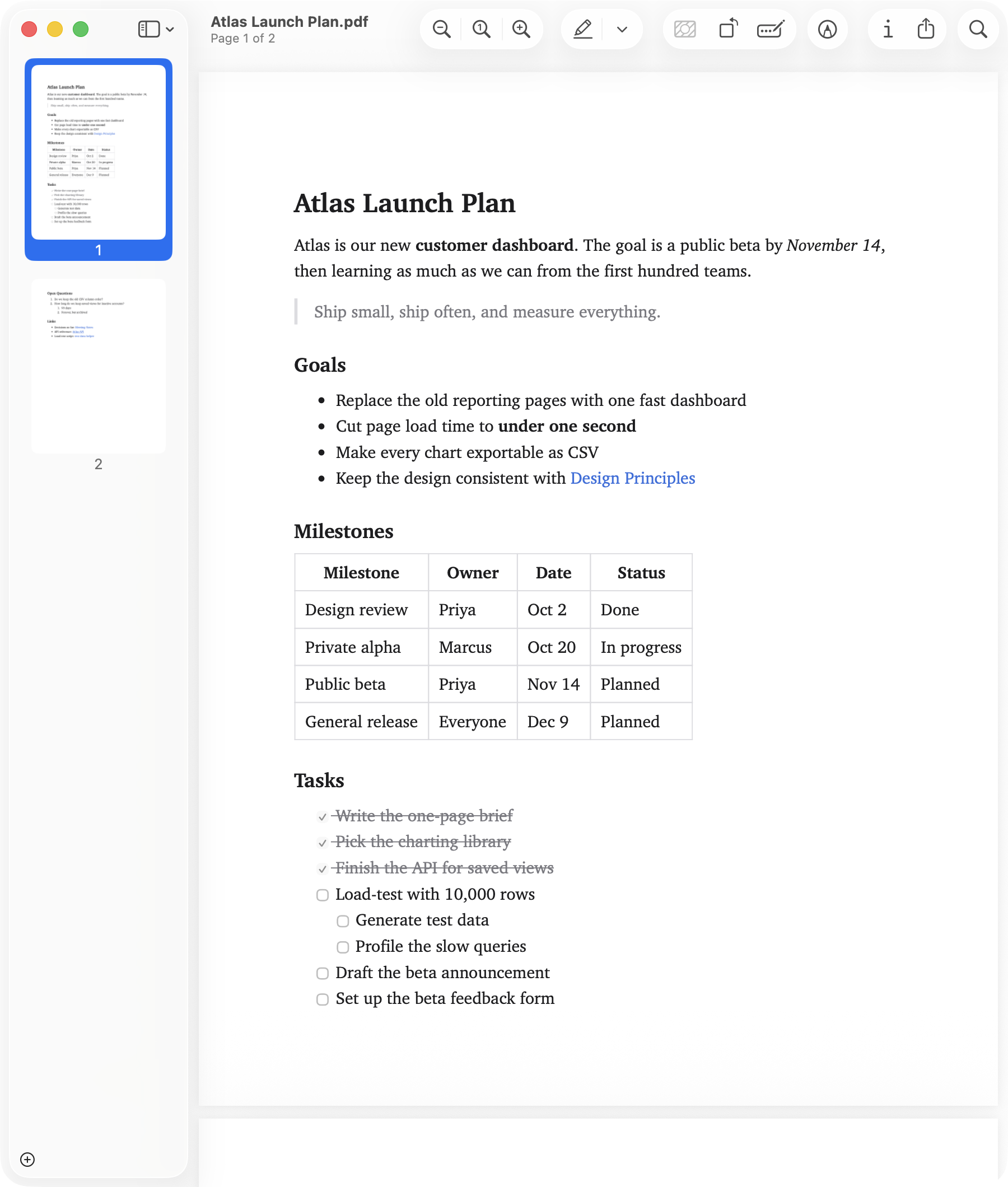
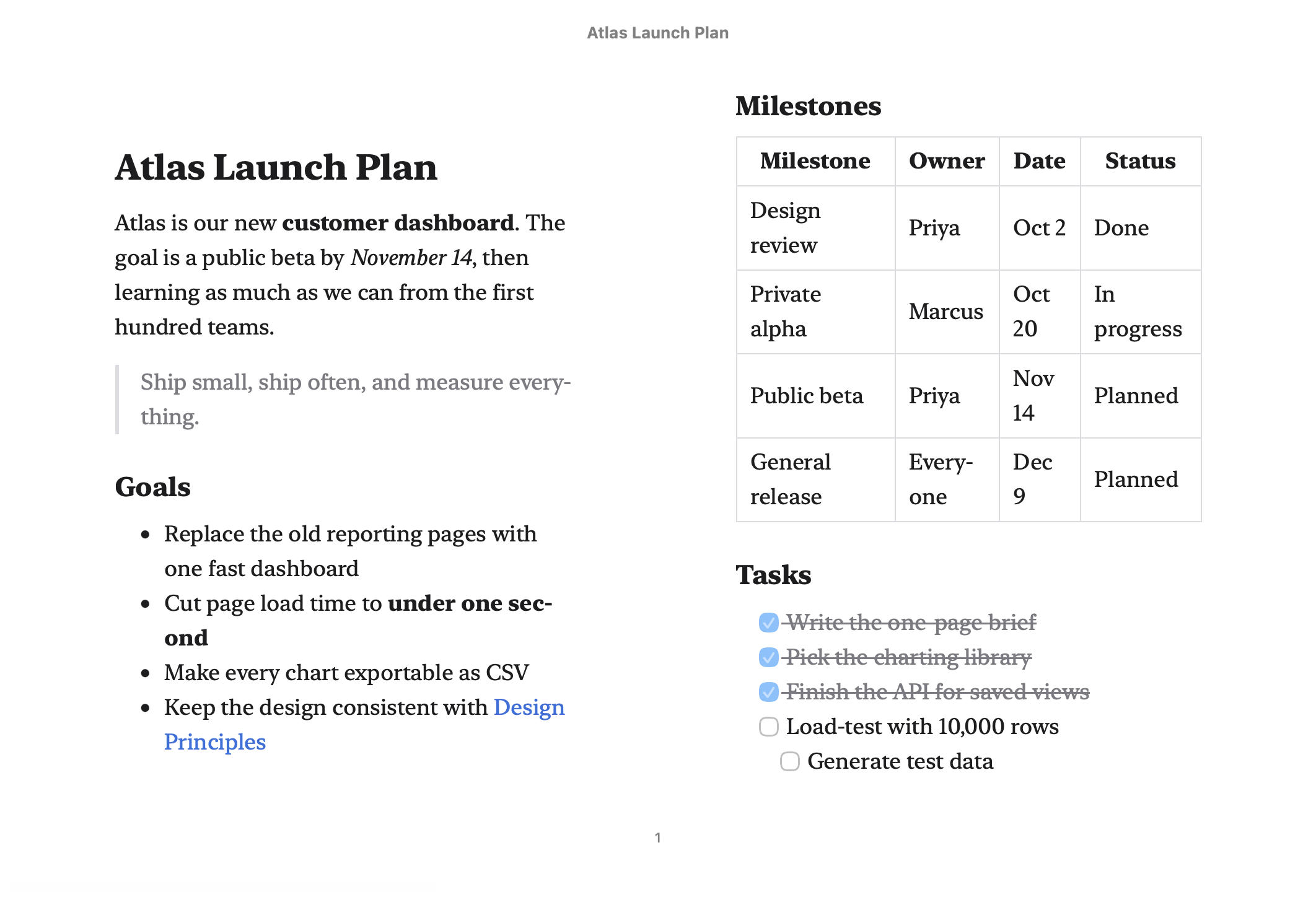
Hand a note to someone who doesn't use Jetfold.
- HTML and PDF, with images, code and math
- EPUB for reading on a tablet or e-reader
- TextBundle with its images, or plain text
Peace of mind
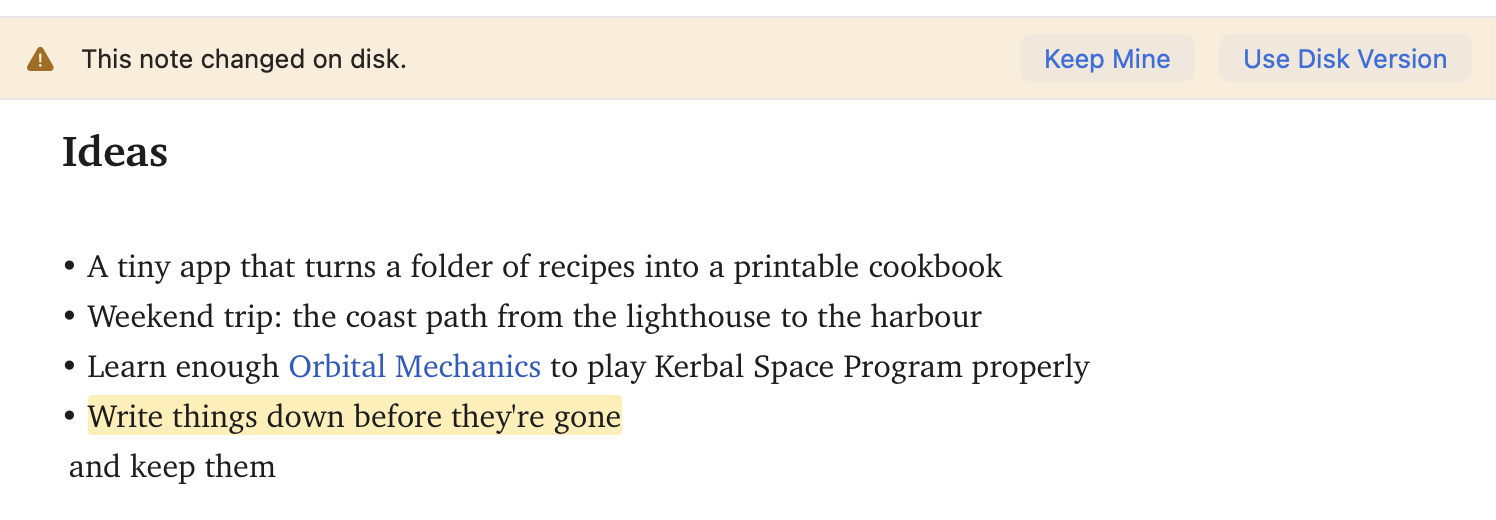
Your words are saved, and they're never overwritten by surprise.
- Autosave as you type
- Changes from other apps and sync show up live
- Asks before overwriting a file that changed on disk
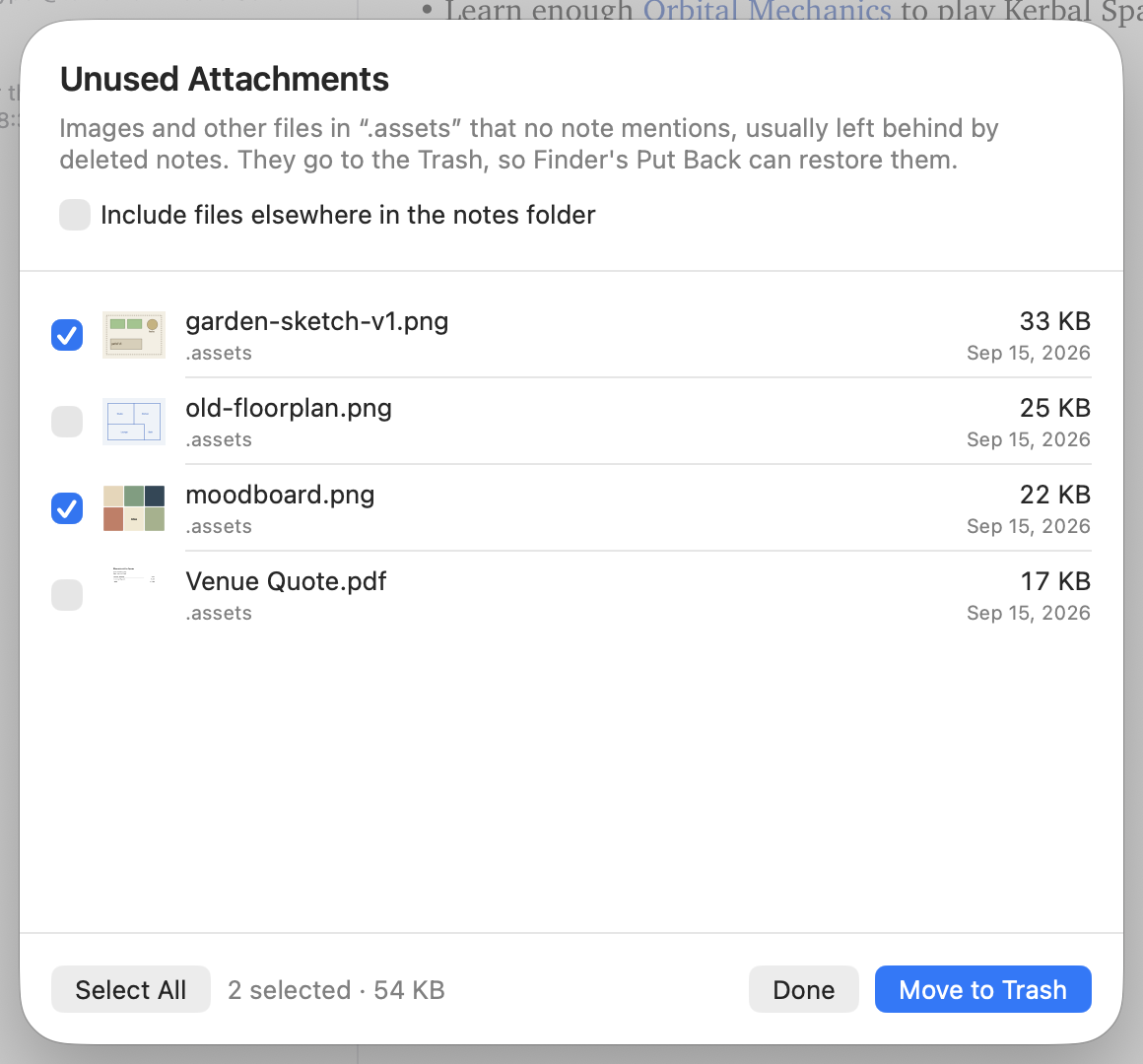
- Finds attachments no note uses any more
- Works with iCloud Drive or any folder
- No account, no analytics, nothing sent anywhere (privacy)
See it for yourself
Read the guide or the keyboard shortcuts.