 Jetfold
Try on a theme
A theme sets the colors of the whole window. Pick one below and switch between Light and Dark to preview it.
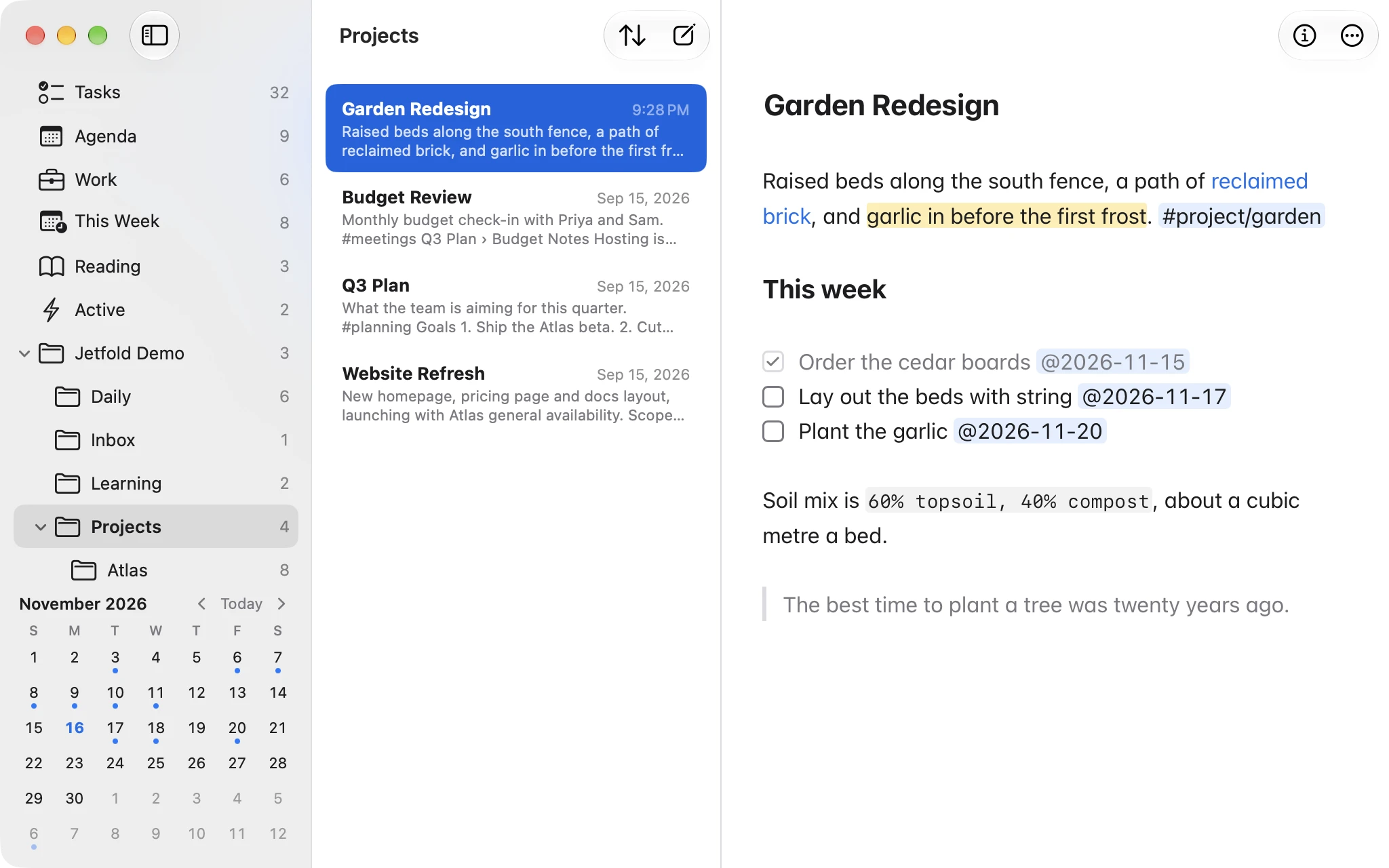
Light, dark, or automatic
Follow your Mac's appearance, or keep Jetfold light or dark all the time. Choose both in Settings → General.
Matching colors throughout
Selections, the command palette, popups, and git markers use the same colors as the rest of the theme.
Custom themes
Add a .jetfold/theme.json file to a notes folder to change the colors of any built-in theme. Anyone who opens the folder can use it.